History within the job
Review the job's visits and filter observations by visit context.
Maintenance Inspections
Keep maintenance checks and site work organised by customer and location. Document what you found, what you checked and your recommendations for the next visit.
14-day free trial, subject to approval. Starter limits: 1 user and 2 Word reports per calendar month. Evidence Requests is not included.
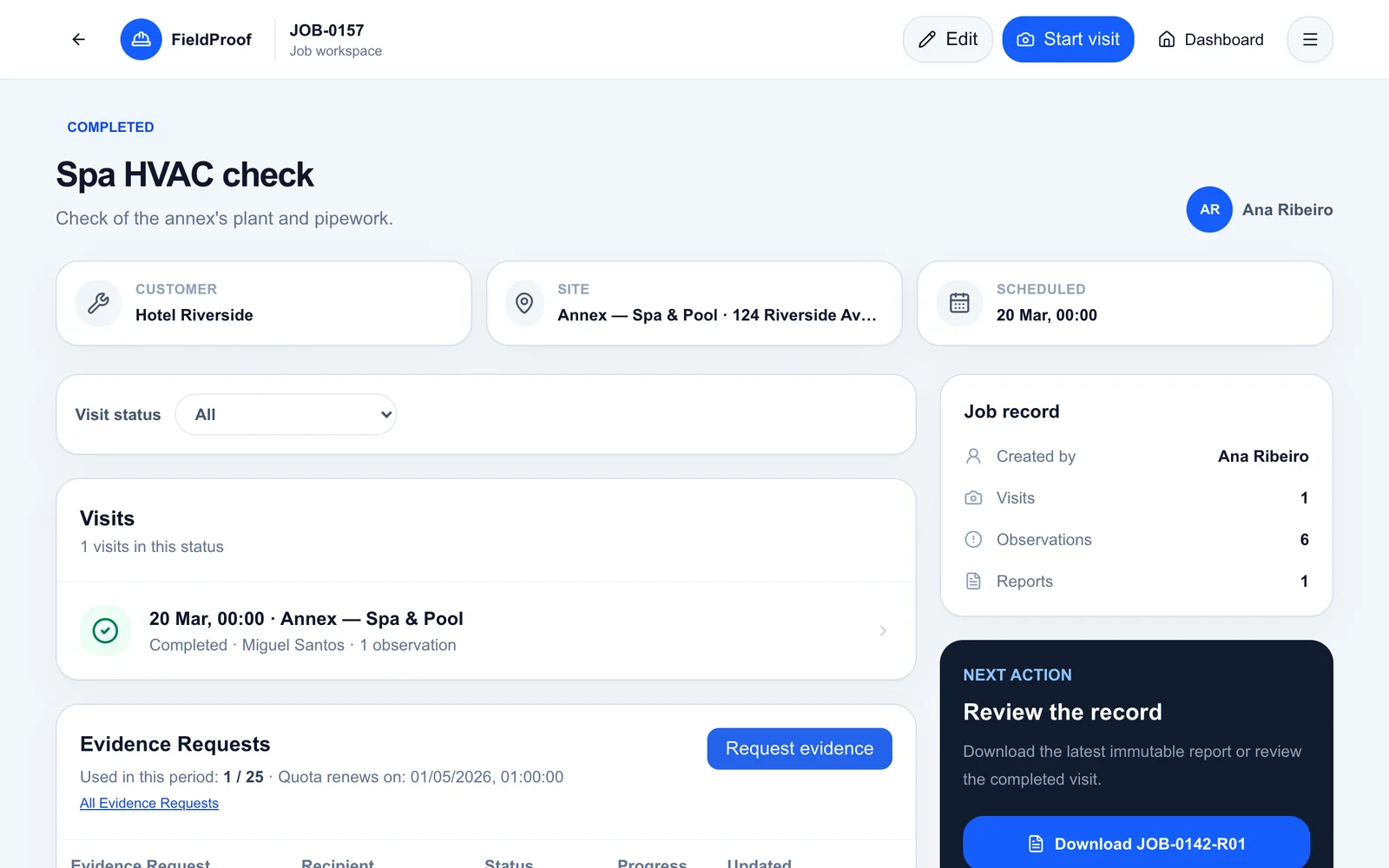
Application screenshots with fictional demo data.
When another technician takes over, or time passes between visits, finding out what happened means searching messages and old reports. Photos alone may not explain the condition or the recommendation.
Continuity comes from identifiable visits, clear observations and evidence linked to the job.
Read previous visits and observations before starting the next visit.
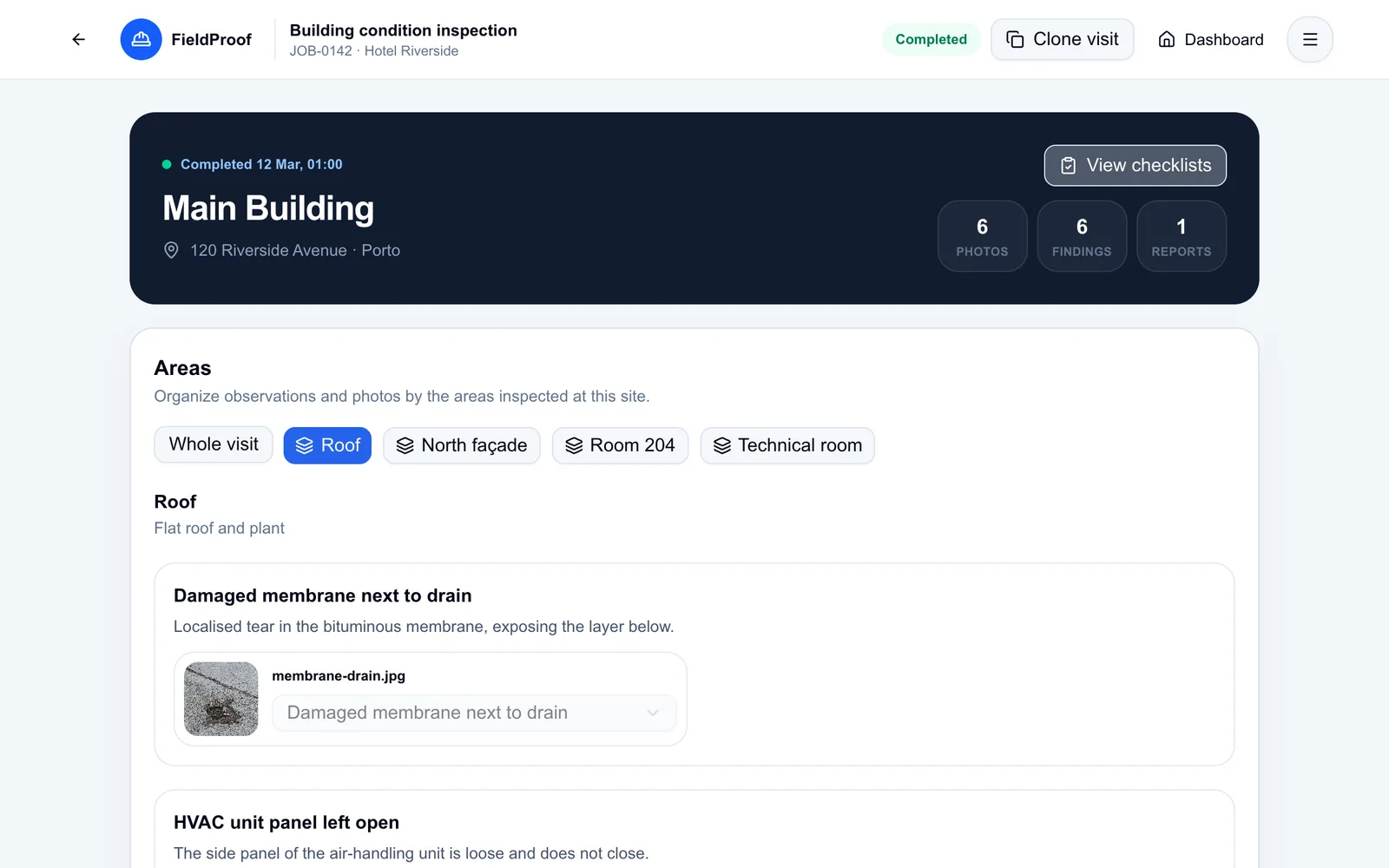
Record the condition found, work notes and photos of the area or equipment.
Complete the visit and generate a Word report with the recorded checks and recommendations.
Review the job's visits and filter observations by visit context.
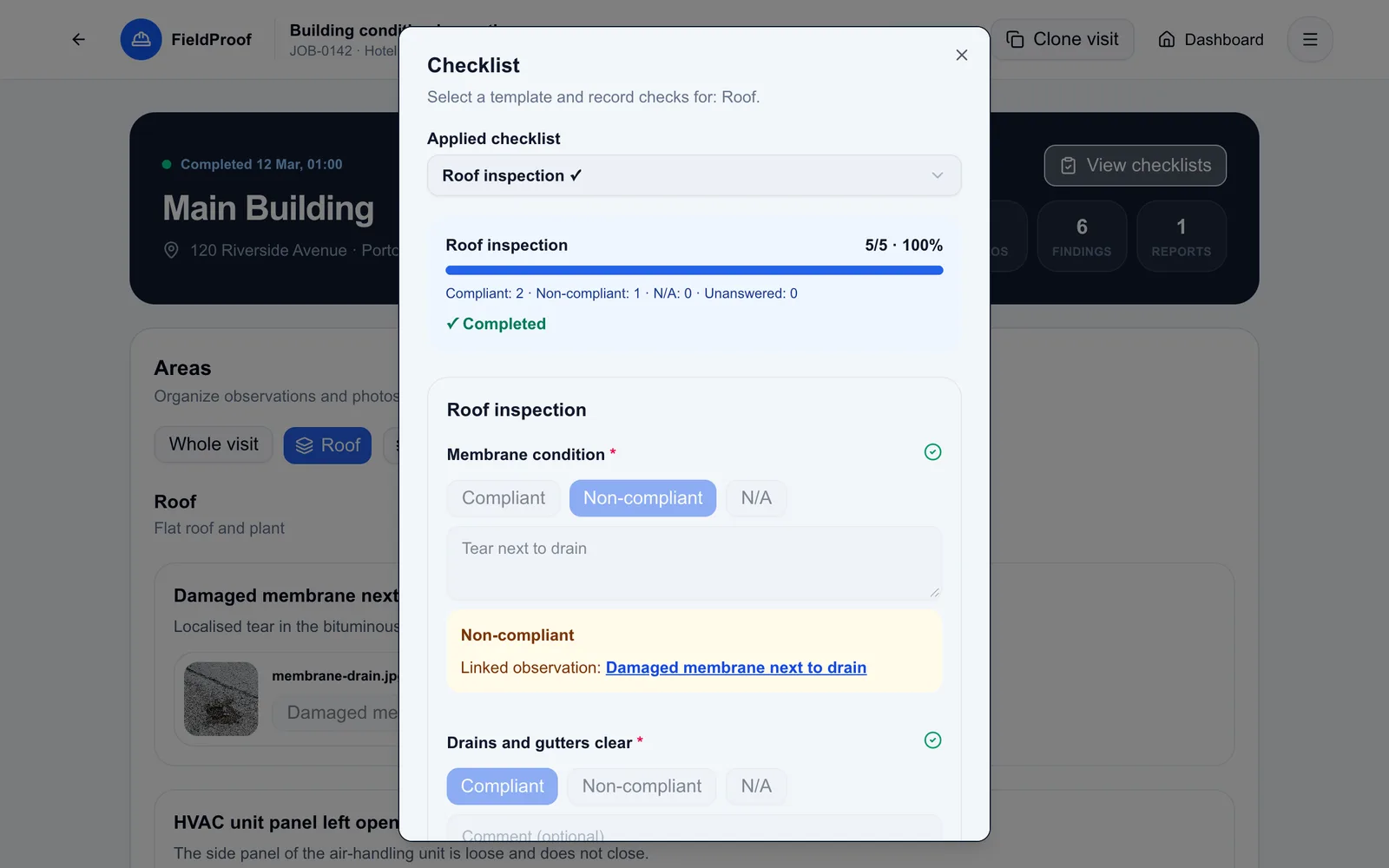
Apply a checklist template and add notes to individual answers.
Describe what needs attention and link the observation to the corresponding area.
In practice
Illustrative scenario: a team checks a plant room and identifies an issue that needs a return visit.
Both visits remain in the job history with their own notes and evidence.
The person returning to site can review the existing records.
Checklist answers and notes stay associated with the visit.
The report presents the observations and recommendations recorded during the visit.
FieldProof lets you organise jobs and record visits. Automatically creating recurring maintenance plans is outside this workflow.
Yes. Apply a checklist template to a visit and record the answers and notes for that specific use.
Yes. A job brings together its visits and lets you review associated observations and reports according to your access permissions.
Explore a job with several visits in the demo and try organising your maintenance checks in FieldProof.
14-day free trial, subject to approval. Starter limits: 1 user and 2 Word reports per calendar month. Evidence Requests is not included.