Visits linked to the site
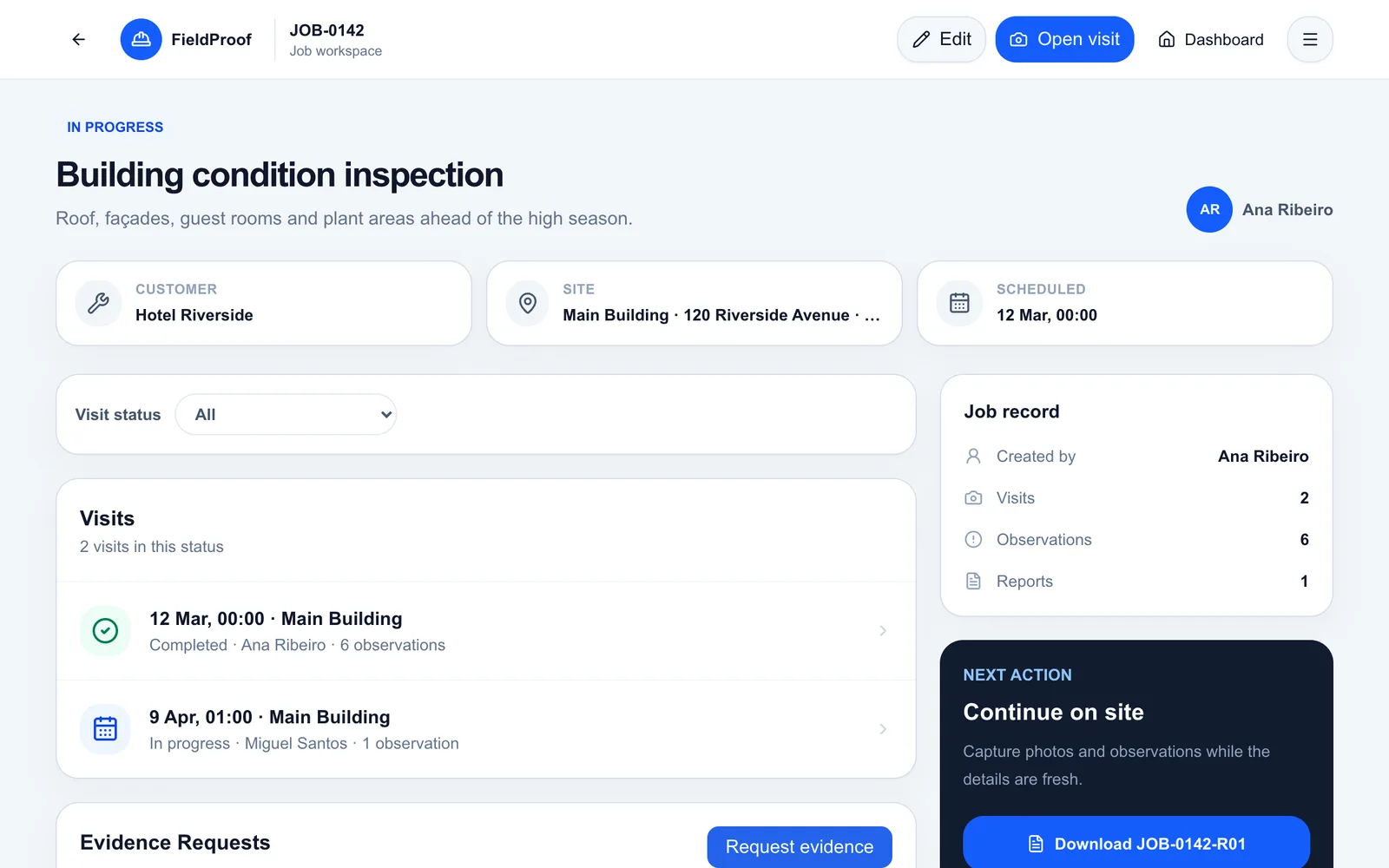
Keep each site inspection within its corresponding job.
Construction Site Inspections
Document site findings by visit and area. Connect photos to observations and prepare Word reports for the client and the people involved in the project.
14-day free trial, subject to approval. Starter limits: 1 user and 2 Word reports per calendar month. Evidence Requests is not included.
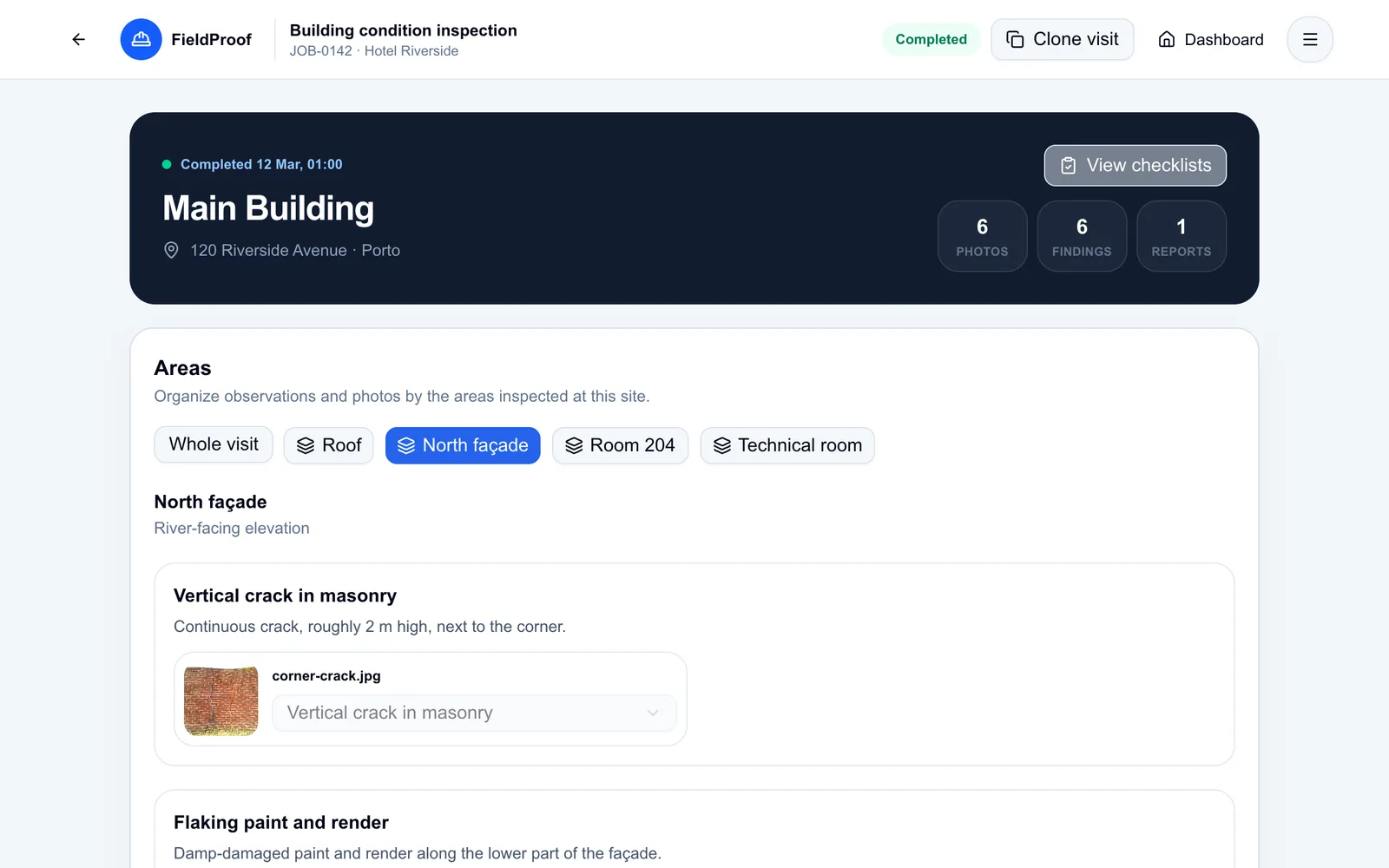
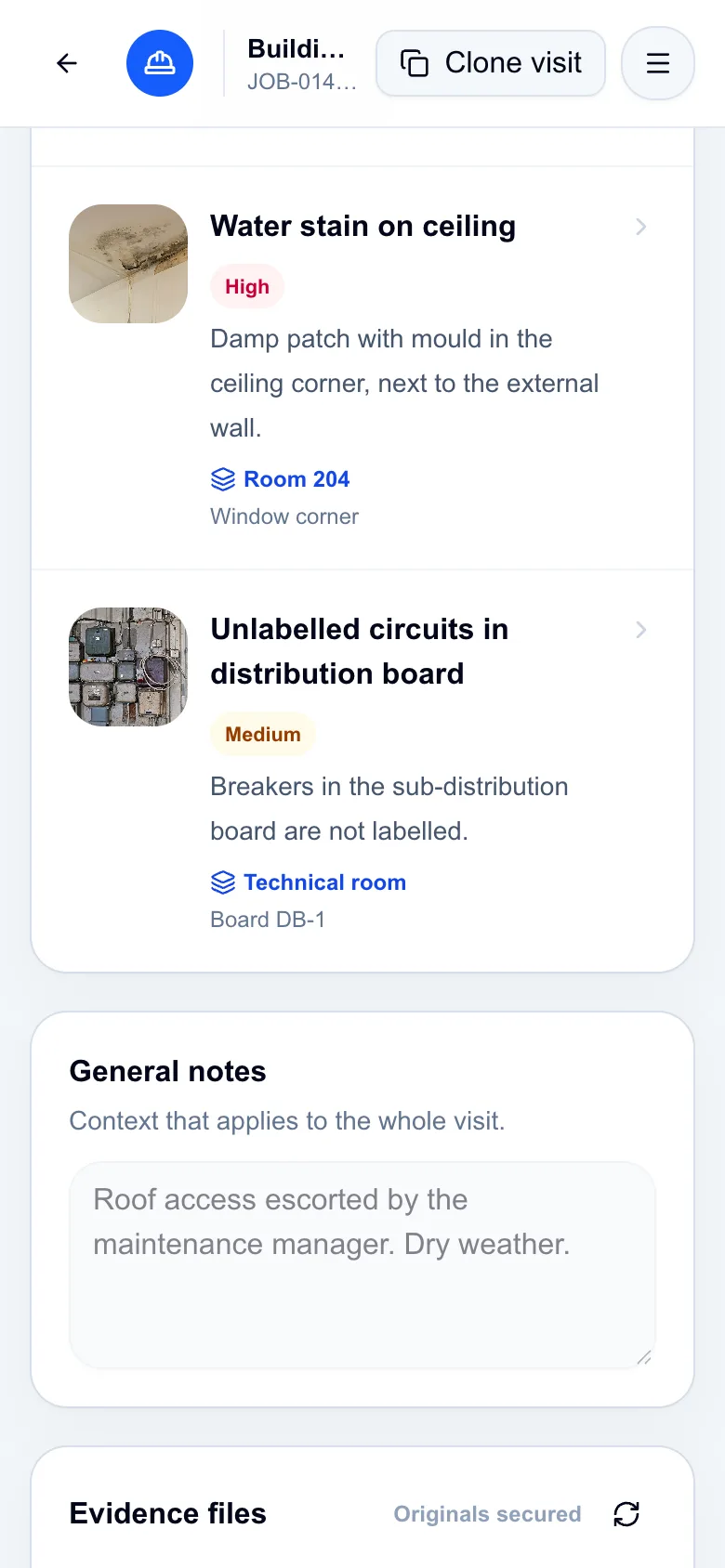
Application screenshots with fictional demo data.
A site walk can reveal a crack, a finish to review or an issue to investigate. When communication relies on photos sent to a group chat, the description and recommendation can easily become detached from the image.
Use areas to separate parts of the site and visits to preserve the record of each inspection.
Set up the areas you need to check within the project site.
Add observations with descriptions, severity, recommendations and photos.
Choose the completed visits to include and generate a Word report.
Keep each site inspection within its corresponding job.
Attach the photo to the observation you need to communicate.
Bring together one visit or several completed visits for the customer in a Word document.
In practice
Illustrative scenario: during a site visit, an inspector identifies a crack that needs further assessment.
The history keeps the record of each visit to support communication between the people involved.
Grouping by area helps the report reader identify where the issue was observed.
Review what was recorded during a previous site inspection.
The document brings together descriptions and photos from the scope you selected.
Yes. Organise the job by site, record visits and document findings with photos, recommendations and checklists.
FieldProof focuses on field documentation and reports. This workflow does not include project budgeting, payment valuations or construction scheduling.
Yes. Select completed visits for the same customer in the Word report scope, including visits across different jobs or sites.
Explore observations and photo evidence in the demo, or request a free trial to try your own documentation process.
14-day free trial, subject to approval. Starter limits: 1 user and 2 Word reports per calendar month. Evidence Requests is not included.