Separate damage observations
Give each finding its own description and location.
Insurance Claims Documentation
Document observed damage by site and area, link photos to findings and bring visits together in a Word report to support a loss adjuster's or surveyor's work.
14-day free trial, subject to approval. Starter limits: 1 user and 2 Word reports per calendar month. Evidence Requests is not included.
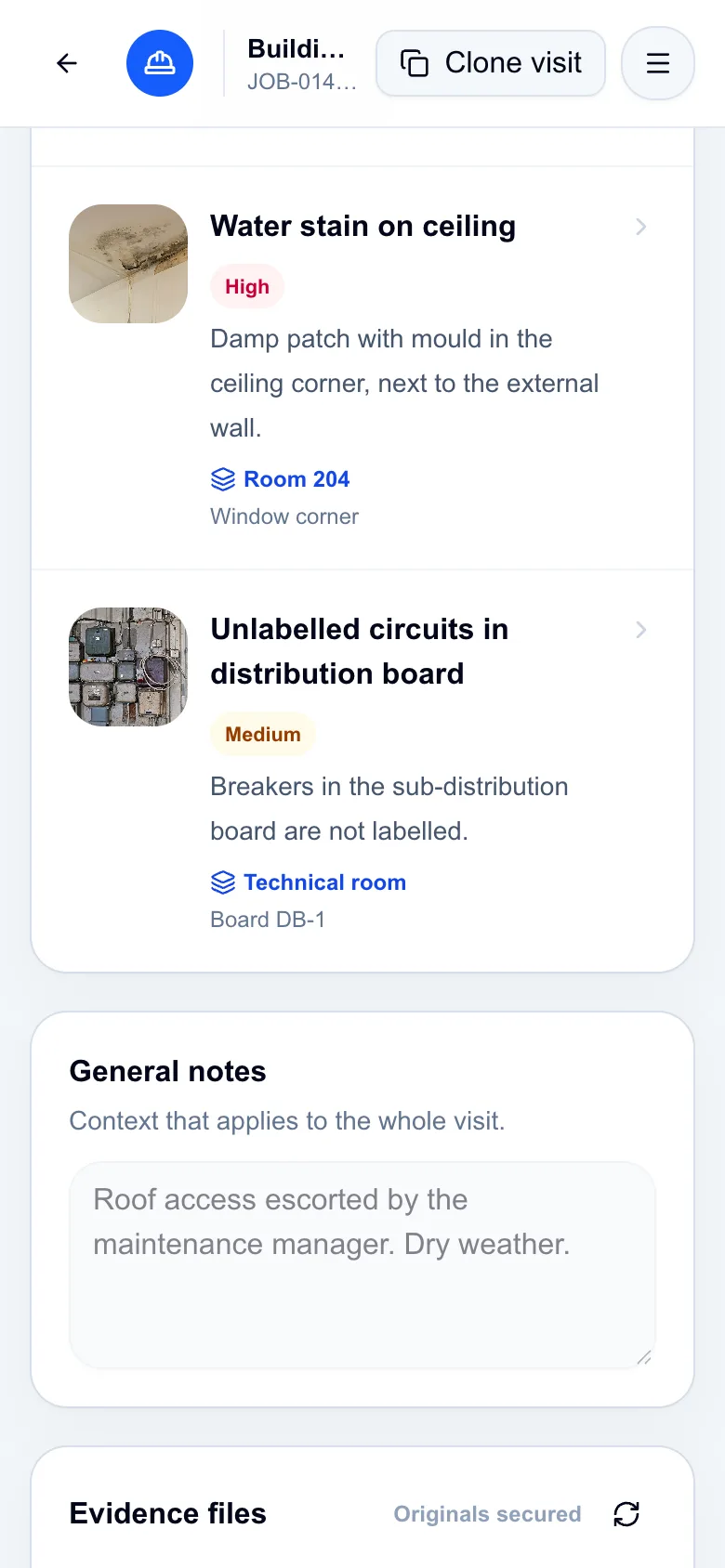
Application screenshots with fictional demo data.
To write up a site visit, you need the location, context and evidence behind each finding. Information arriving through different channels makes it harder to assemble a coherent case record.
FieldProof helps collect and present information. Assessing the cause, values and policy coverage remains with the responsible professionals.
Create the customer's job and identify the site and areas to inspect.
Record descriptions, locations, severity and photos attached to each observation.
Select the completed visits and generate a Word document containing the findings and evidence.
Give each finding its own description and location.
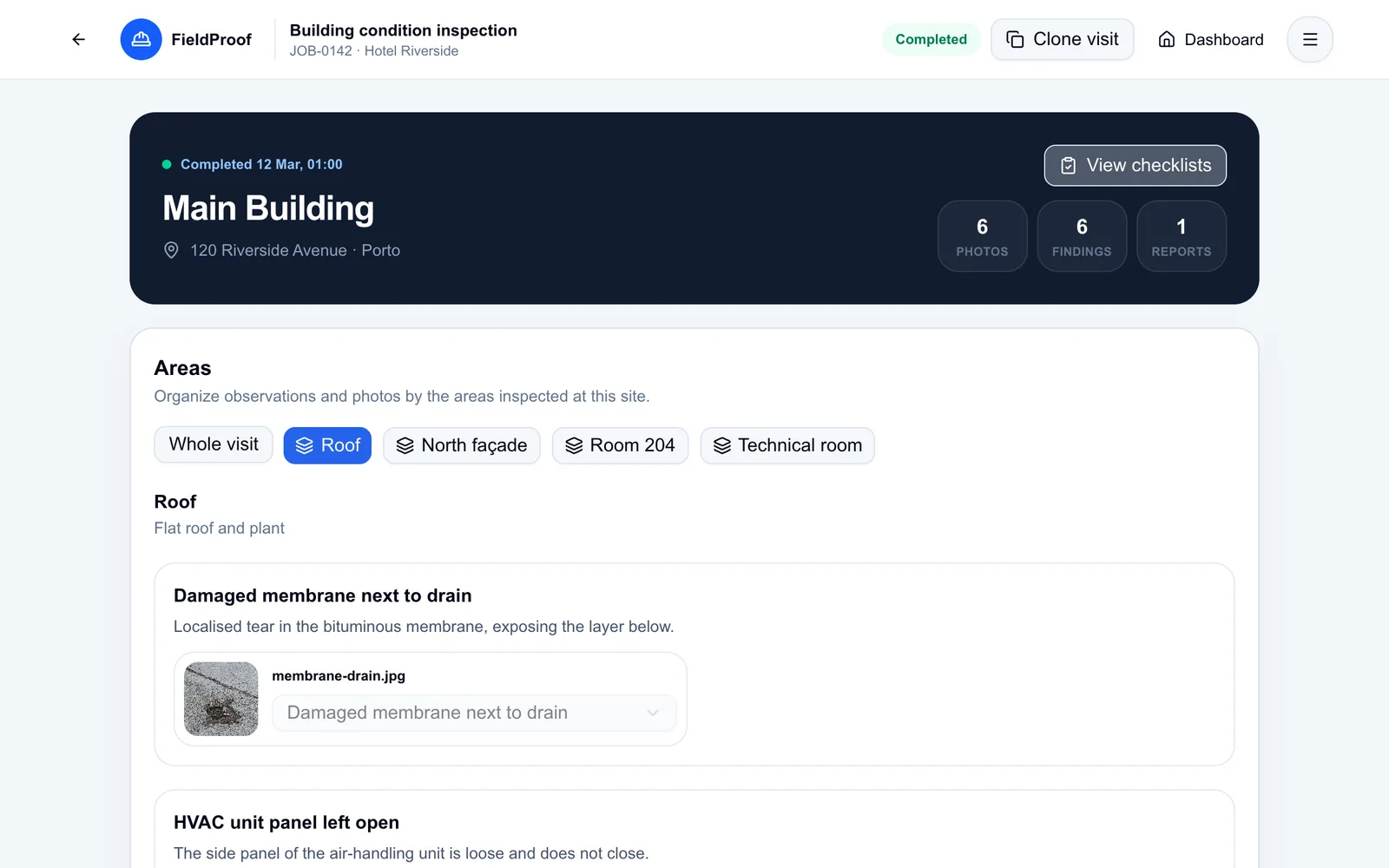
Associate evidence with the visit and observation it documents.
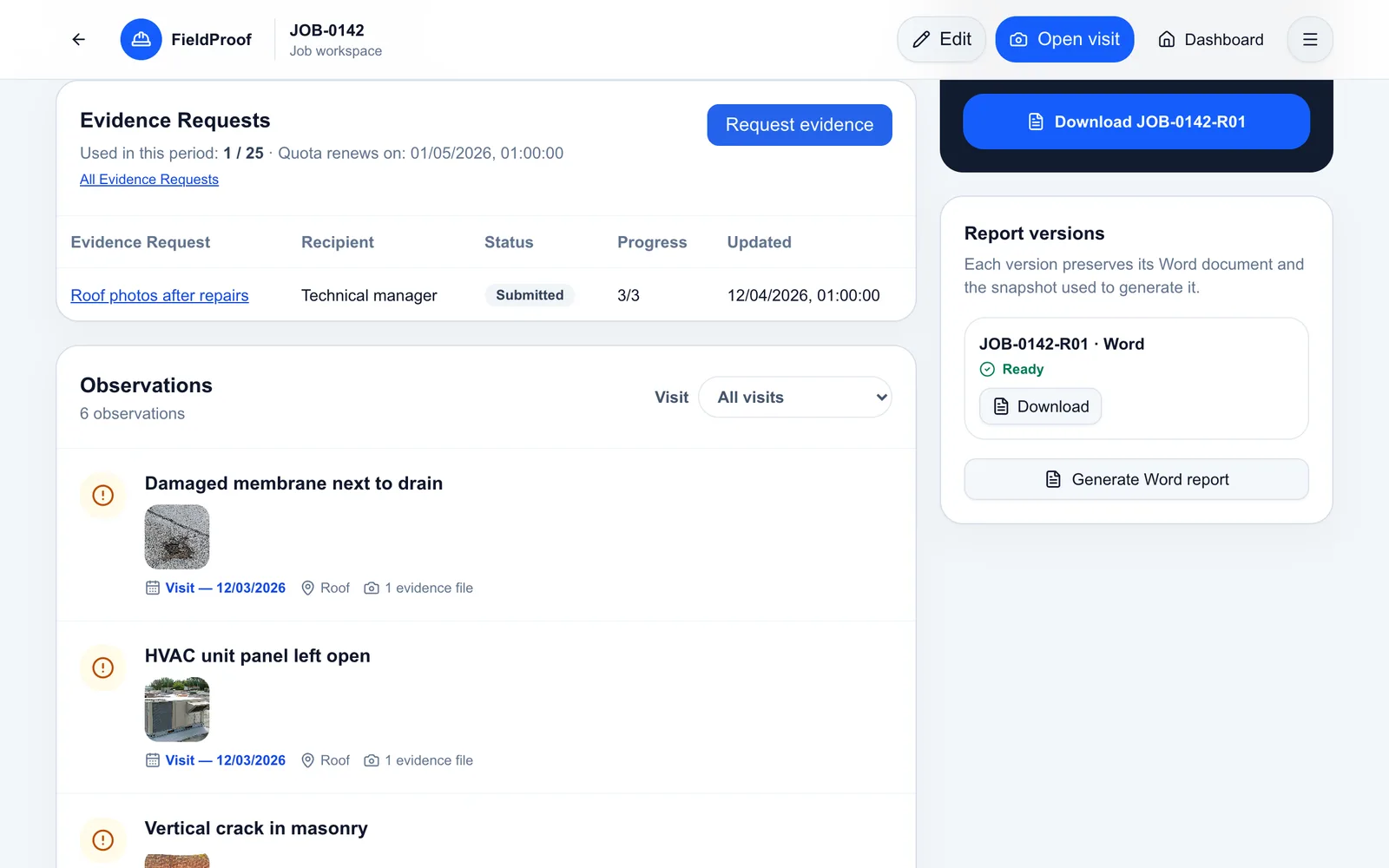
Combine visits in a DOCX and keep previously generated documents available.
In practice
Illustrative scenario: a loss adjuster records ceiling stains and a condition observed on the roof.
The document presents observed damage with locations and evidence as a basis for professional assessment.
The job brings together visits and access to their evidence.
Each description stays with the photos that illustrate it.
Previous records remain available when another site check is needed.
Evidence Requests · Add-on
The Evidence Requests add-on lets you request photos and answers through a secure link, without requiring the recipient to create a FieldProof account. Responses are available for review before you accept the evidence. Contact us to confirm availability and terms; it is not included in Starter or the free trial.
Ask about the add-onNo. FieldProof organises field records and generates documents. Technical assessment, valuation and coverage decisions remain the responsibility of the professionals involved.
This is possible through a secure link with the Evidence Requests add-on. Contact us to confirm availability and terms; it is not included in Starter or the free trial.
Evidence received through Evidence Requests is reviewed first. Accepted photos must be linked to the appropriate visit to appear in its report. Text answers do not automatically become observations.
Yes. Import a Word template compatible with the supported fields and generate the DOCX from the selected visits.
Explore the fictional scenario in the demo and request a free trial to try observations, photos and Word reports.
14-day free trial, subject to approval. Starter limits: 1 user and 2 Word reports per calendar month. Evidence Requests is not included.