One visit or a consolidated report
Prepare a single visit handover or bring together a set of visits for one customer.
Inspection Reports
Build Word reports from observations, photos and checklists. Choose the visits to include, use your template and keep a history of generated versions.
14-day free trial, subject to approval. Starter limits: 1 user and 2 Word reports per calendar month. Evidence Requests is not included.
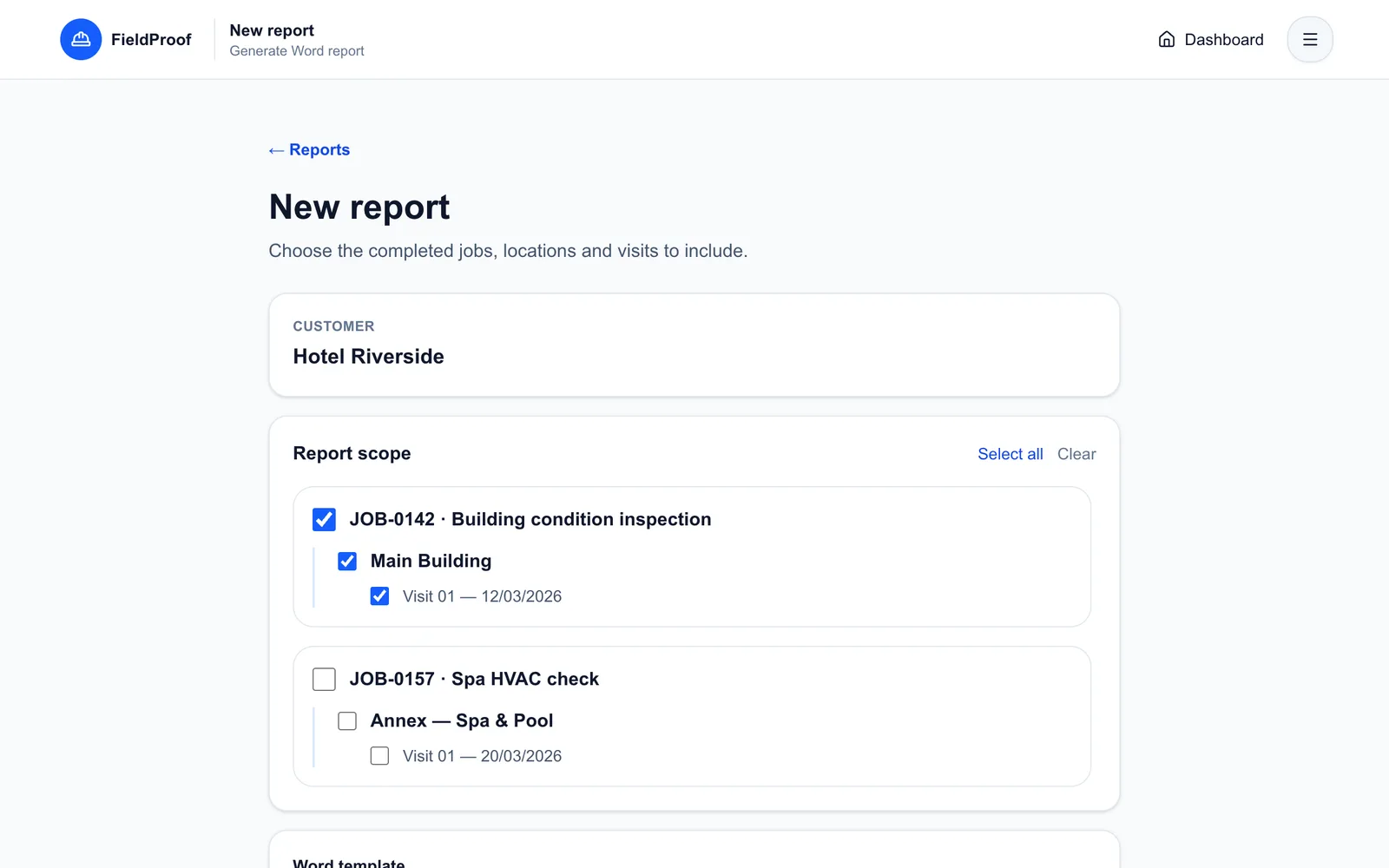
Application screenshots with fictional demo data.
Once the inspection is complete, you still need to match each photo to its description, arrange the findings and follow the customer's template. Starting from scratch creates another round of organising before you can deliver.
Use completed visits as the source for your document. Generation follows the scope and Word template you select.
Select one or several visits. Combine visits from different jobs and sites belonging to the same customer.
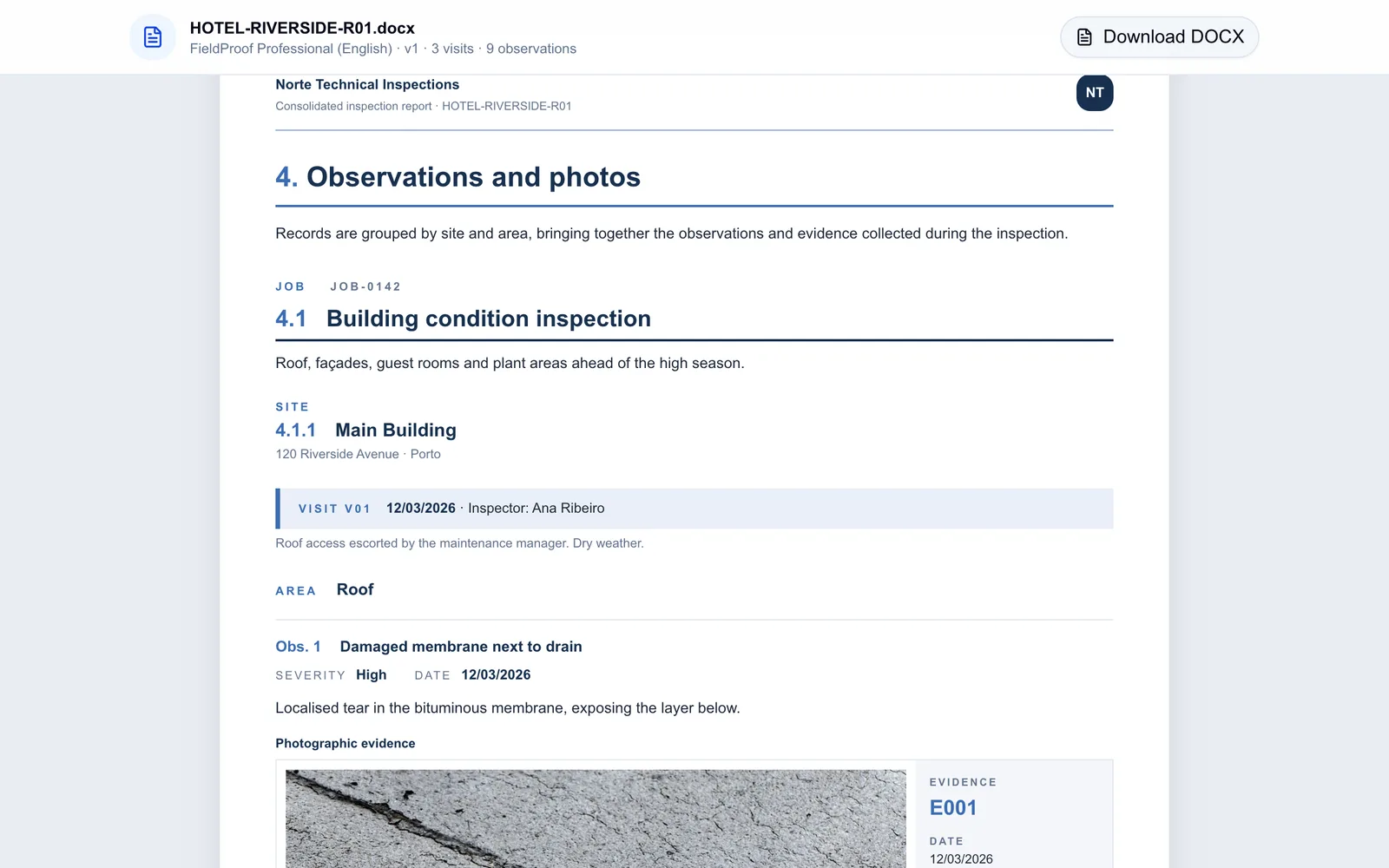
Use the official English or Portuguese template, or import a Word template compatible with the supported fields.
Download the generated DOCX. Generate a new version when needed while keeping earlier documents available.
Prepare a single visit handover or bring together a set of visits for one customer.
Use the official template or a compatible template of your own.
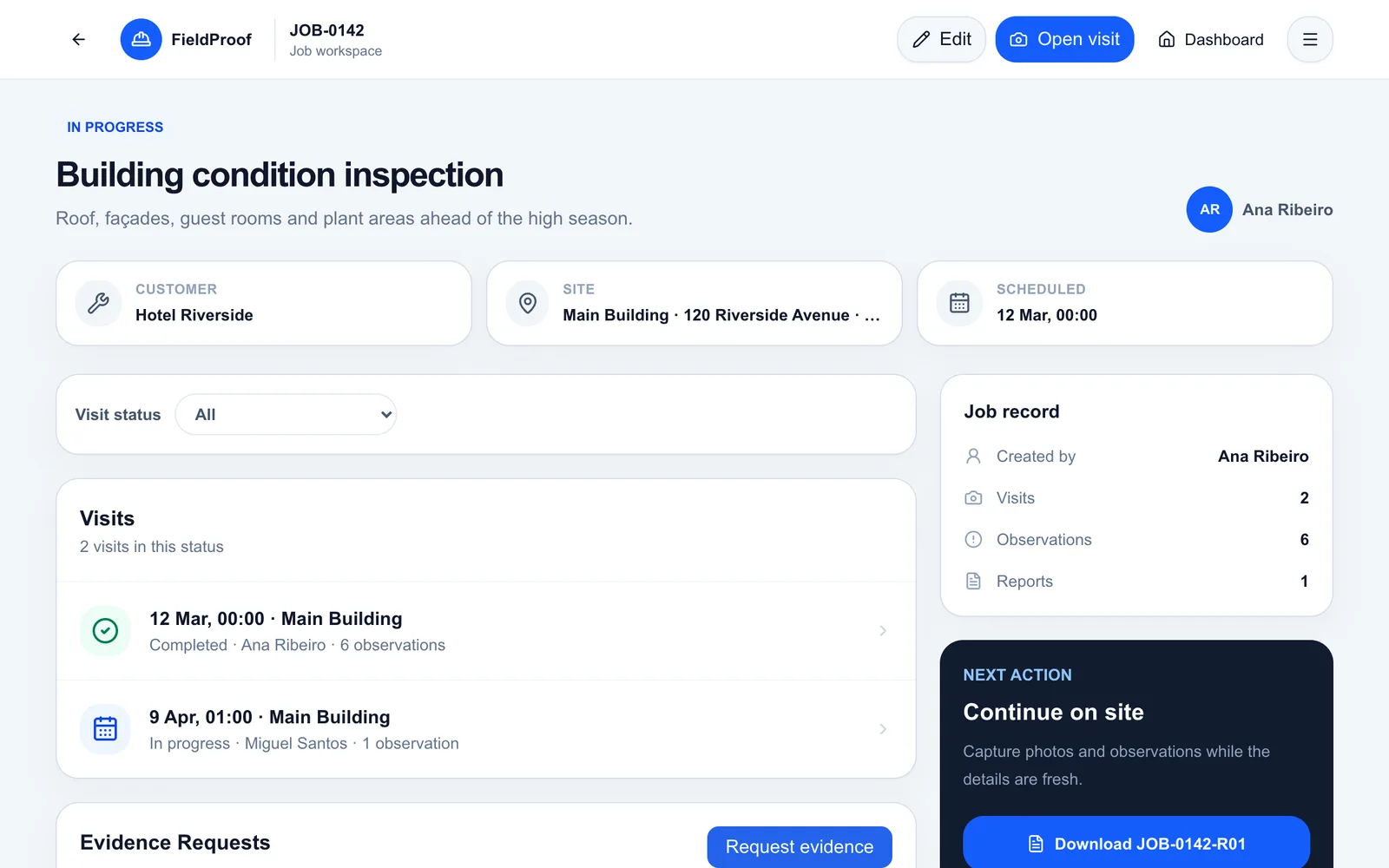
Review each generated document and the record used to create it.
In practice
Illustrative scenario: a customer asks for one document covering the original findings and the inspection after remedial work.
The handover brings together the selected visits, with their observations and evidence.
The document draws its text and images from the visit records.
Decide which visits belong in the document before generating it.
A new version preserves the document you generated previously.
FieldProof generates Word files in DOCX format. You can open and edit them in a compatible editor.
Yes. Import a Word template compatible with FieldProof's supported fields and loops, and configure your logo. The application validates the template during import.
The trial uses Starter limits: one user and two Word reports per calendar month. New versions of an existing report with the same scope do not consume the new-report quota.
Yes. Report scope selection lets you combine completed visits from different jobs and sites belonging to the same customer.
Explore scope selection and the sample document in the demo. Then request a free trial to try the reporting workflow.
14-day free trial, subject to approval. Starter limits: 1 user and 2 Word reports per calendar month. Evidence Requests is not included.